The start of a school year can produce more dates in a few days than the rest of the summer combined. Class timetables, parent meetings, sports registrations, lunch menus, school closures, medical forms, and activity schedules often arrive through different channels. A paper stays in a backpack, a PDF sits in an email, and an important date disappears in a group chat.
A family school calendar turns those separate notices into one shared view. The aim is not to copy every line from every document. It is to identify what requires attendance, preparation, payment, or a decision, then give each item a useful reminder.
Start with a Back-to-School Date Inventory
Before creating events, gather the current sources for each child:
School calendar and class timetable
Teacher welcome letter or parent portal notices
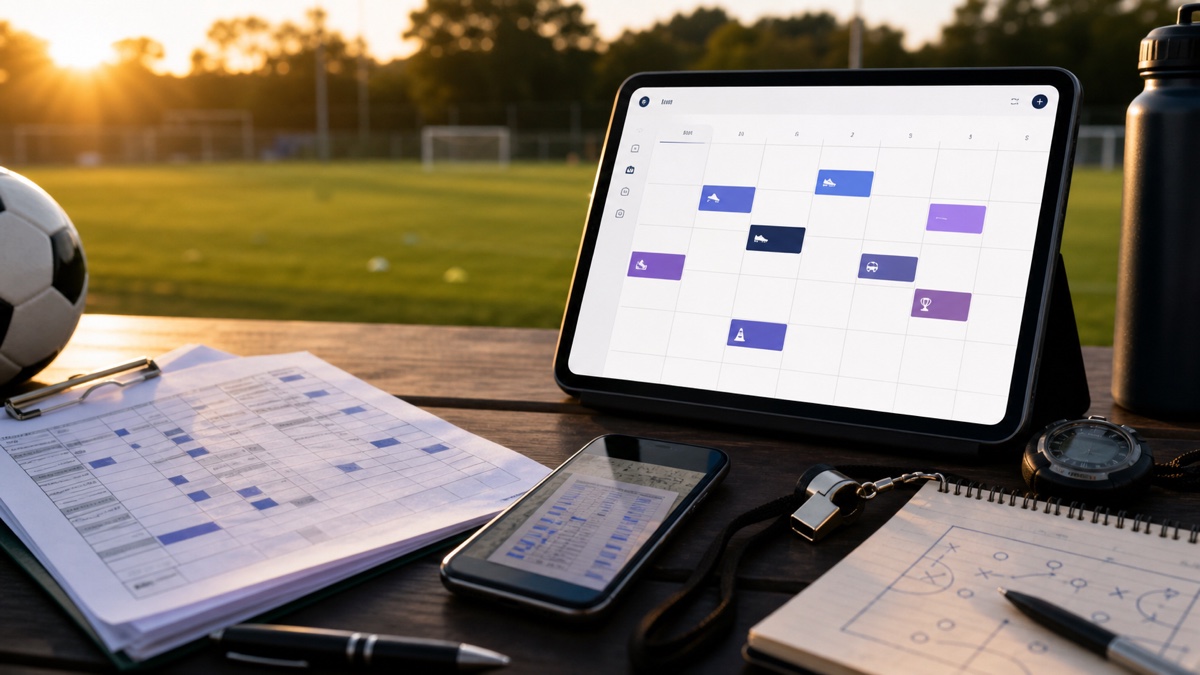
After-school club, music, tutoring, and sports schedules
Parent-teacher meetings and school events
Registration, payment, permission-slip, and equipment deadlines
Holidays, training days, early dismissals, and transport changes
Use the latest official version. Schools often publish a provisional calendar and update it shortly before term begins. Keep the source document, but mark or remove superseded copies so they do not create conflicting events later.
Turn School Documents into a Reliable Calendar
1. Convert One Source at a Time
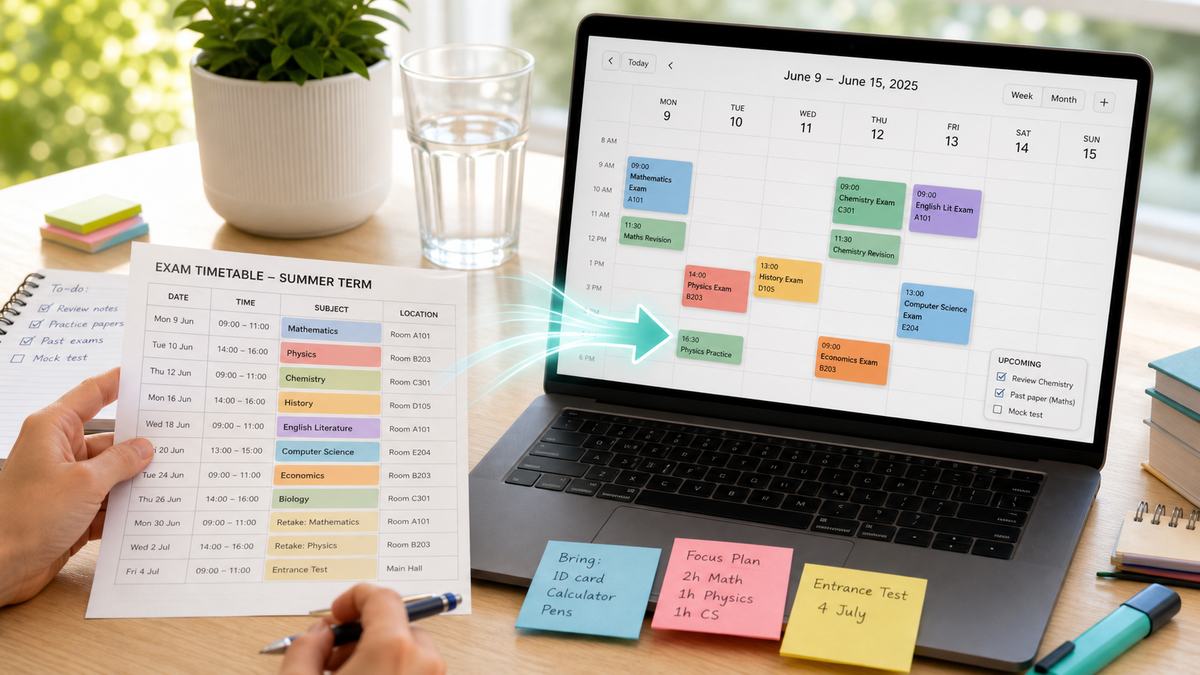
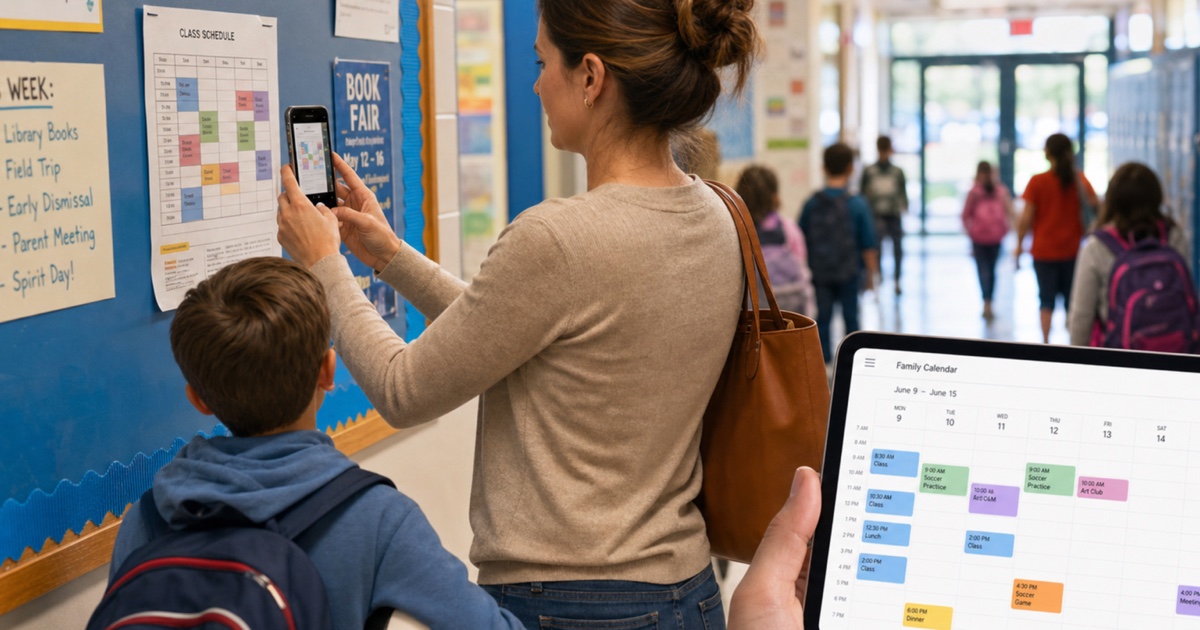
Upload a clear photo, screenshot, image, or PDF to PhotoCalia. The service prepares the dates and details as calendar events for review. Working one source at a time makes it easier to spot duplicates and understand where each date came from.
Start with the school-wide calendar, then add the class timetable and extracurricular activities. Finish with individual notices and deadlines. This order creates the overall structure before the smaller details.
2. Review Dates, Times, and School-Year Context
Always review extracted events before adding them to your calendar. A school document can include an issue date, a registration deadline, and the event itself. Only the dates requiring an action belong in the family schedule.
Pay particular attention to date formats, all-day events, and the academic year. “03/09” may mean September 3 or March 9 depending on the source. If a timetable only gives weekdays, confirm its start date, end date, and holiday exceptions before creating a recurring series.
3. Use a Consistent Naming System
Clear titles make notifications useful. A simple pattern works well:
Child — school — event
Examples include “Maya — school — parent meeting,” “Leo — football — first practice,” or “Sam — library — book return.” If your calendar is private to one child, you can shorten the format, but keep the activity and action clear.
Use the location field for the school, classroom, sports hall, or meeting link. Put preparation details in the notes rather than creating a very long title.
4. Add Reminders Based on the Action
Not every school event needs the same alert. Match the reminder to what the family must do:
The evening before for school closures, special clothing, or items to pack
Several days before for forms, payments, costumes, or project materials
Travel time before appointments, performances, and away matches
A short alert for online meetings or collection times
For deadlines, create the reminder before the final day. A permission form due Friday is easier to handle with a Tuesday reminder than with an alert on Friday morning.
Create a Calendar the Whole Family Can Read
You can use one shared school calendar or separate calendars for each child. One shared calendar gives parents and caregivers a complete view. Separate calendars make it easier to hide or show schedules and assign a color to each child.
Whichever approach you choose, agree on a small set of conventions. Use the same names for each school and activity, distinguish confirmed dates from tentative ones, and avoid storing sensitive student information in event notes.
Older children can participate in the review. Ask them to compare the digital calendar with the timetable and identify room changes, alternating weeks, or activities they no longer attend. This improves accuracy and helps them take ownership of their schedule.
Prevent Duplicates and Outdated Events
School updates are inevitable. When a new notice changes an existing date, edit the original event rather than creating another one. If you are unsure which version is correct, mark the event as tentative and link to the official notice until the school confirms it.
Do a short weekly review during the first month of term. Compare the next two weeks with the parent portal or latest messages, then remove cancelled activities and add newly confirmed dates. Once routines stabilize, a monthly review is usually enough.
For recurring classes, avoid creating a full-year series before holidays and rotating weeks are confirmed. It can be faster to create a term at a time than to correct dozens of exceptions later.
A Calmer Start to the School Year
A useful family calendar does more than record dates. It shows what must happen next: prepare a bag, return a form, leave early, attend a meeting, or arrange childcare. By bringing paper calendars, screenshots, and PDFs into one reviewed schedule, the family can plan the week without searching through old messages every evening.
PhotoCalia includes 3 free conversions per month, so you can turn the school calendar, class timetable, and a key activity schedule into reviewable events before the term becomes busy.
Related guides: organize sports and training schedules, learn to digitize paper schedules, or follow the general photo to Google Calendar tutorial.