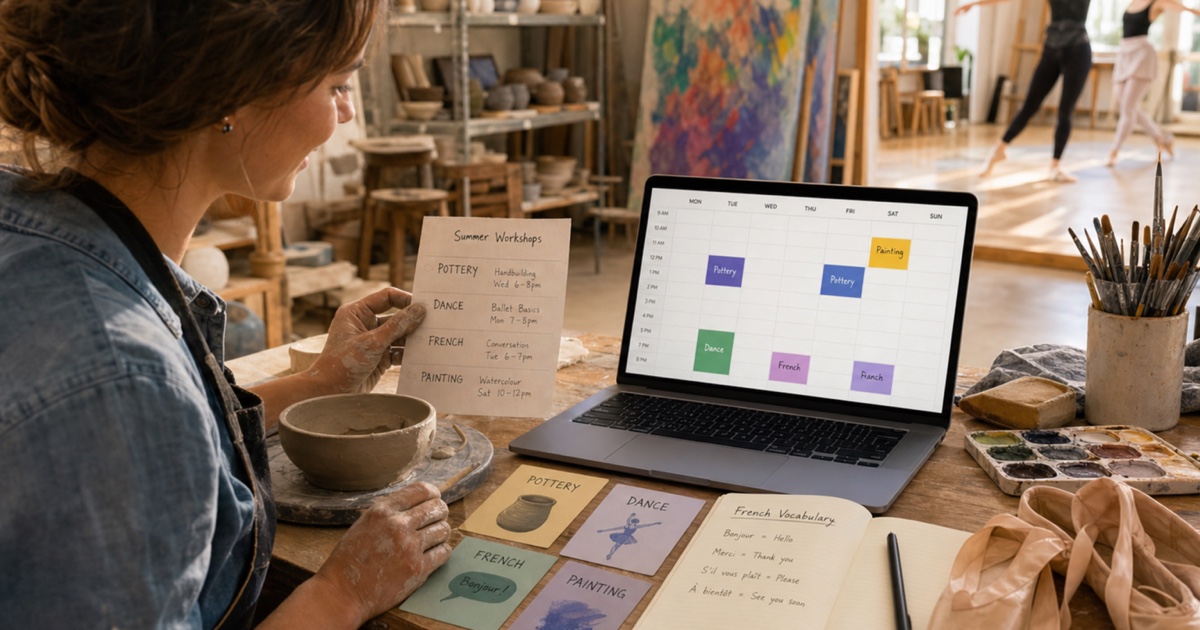
Signing up for a class is the easy part. Remembering every session, room change, supply list, and one-off workshop is where a relaxing hobby can start to feel like administration. A pottery studio sends a PDF, the dance teacher posts dates in a group chat, and a language school hands out a printed term schedule. Soon, your free time is spread across several documents.
A dedicated hobby calendar brings those commitments together without turning leisure into another project to manage. Here is a practical method for organizing regular lessons, short workshops, and special events while leaving enough room for rest and spontaneity.
Why Hobby Schedules Become Hard to Follow
Creative and recreational activities rarely follow one standard timetable. A weekly course may skip school holidays, a workshop may move to a different studio, or a lesson may alternate between two time slots. Some programs publish the whole term at once, while others confirm dates month by month.
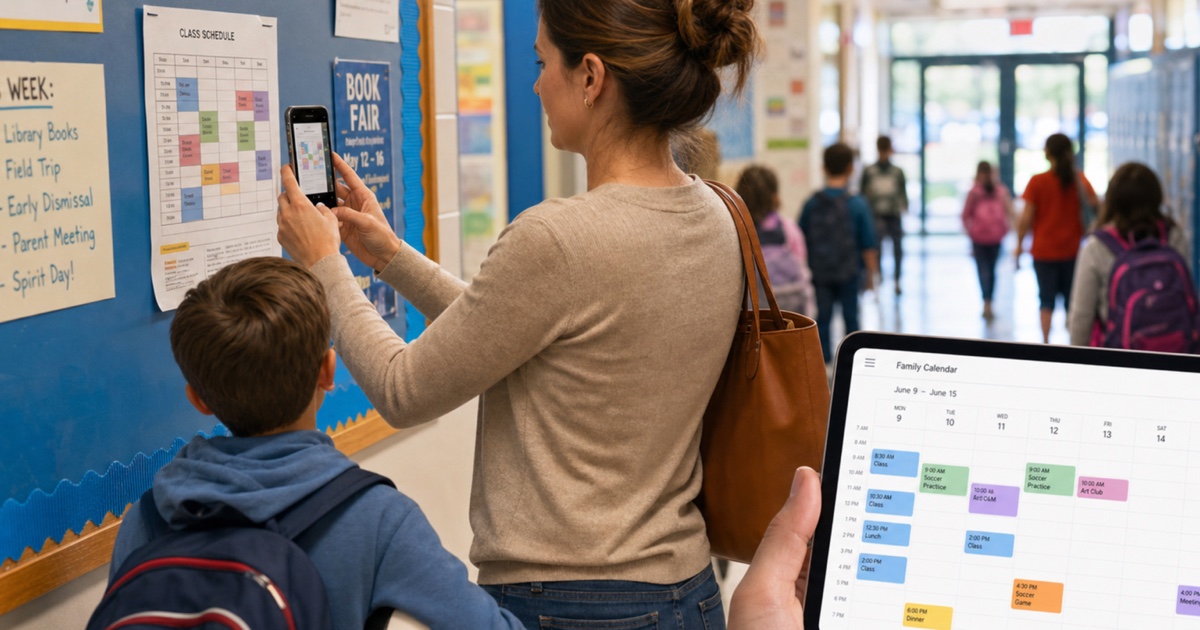
The information also arrives in formats that are difficult to combine: photographed noticeboards, registration emails, PDF brochures, social media posts, and screenshots from messaging apps. Keeping the original is useful, but it does not create a reminder when you need to leave home.
The goal is not to automate every decision. It is to create a reliable first draft, review it, and keep one calendar as the practical source for your upcoming activities.
Build a Calendar for Classes and Workshops
1. Gather the Current Schedules
Collect the most recent timetable for each activity. Include term calendars, individual booking confirmations, workshop flyers, performance or exhibition dates, and any message that changes a session.
Remove outdated versions before you begin. If a teacher has already sent a corrected schedule, using both copies can create duplicates that look legitimate but point to different times.
2. Convert Each Schedule into Events
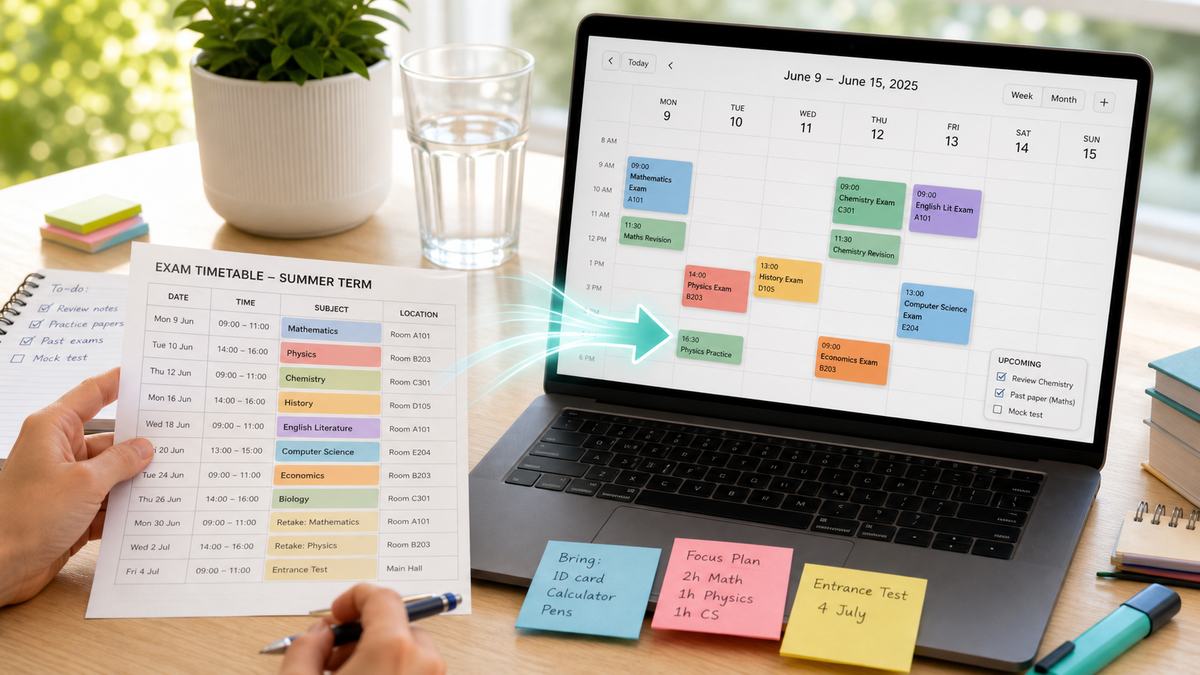
Photograph the printed schedule or upload its screenshot, image, or PDF to PhotoCalia. The dates, times, titles, and locations are prepared as calendar events that you can review before exporting.
For a document containing several sessions, check that every row belongs to the right course and that recurring dates have not been confused with registration deadlines. If a class only lists a start date and says “every Tuesday,” create or confirm the recurrence in your calendar after verifying the term end date and holidays.
3. Use Clear, Scannable Event Names
Calendar titles should make sense in a notification. “Class” is too vague when you have several activities. Prefer names such as “Italian — conversation class,” “Pottery — wheel practice,” or “Dance — intermediate rehearsal.”
Add the studio, teacher, level, or group when it helps distinguish similar sessions. For shared calendars, include the participant's first name so everyone knows who is attending.
4. Put Practical Details in the Notes
Use event notes for information you need on the day:
Materials or clothing to bring
Door code, room number, parking, or public transport details
Booking reference and cancellation deadline
Preparation requested before the lesson
Link to the official schedule or teacher's update channel
Keep payment details and sensitive personal information outside shared calendar notes. The calendar should help you attend the activity, not become a copy of every registration record.
Balance Regular Activities with One-Off Events
A hobby calendar works best when it separates commitments from possibilities. Add paid classes and confirmed workshops as regular events. Keep exhibitions, open studios, auditions, or optional practice sessions in a different color until you decide to attend.
Also include travel and setup time when it materially affects the evening. A 90-minute class across town may occupy three hours once transport and changing time are included. Blocking that time prevents accidental overlaps without making the lesson itself appear longer.
If two activities regularly compete for the same slot, review the next four weeks rather than deciding week by week. A calendar view makes the trade-off visible and helps you protect downtime.
Handle Changes Without Creating Duplicates
When a teacher reschedules a session, update the existing calendar event instead of adding a second one. Compare the new message with the original schedule, change the time or location, and note when the update was received if the situation is unclear.
For a cancelled class, keep the event temporarily marked “cancelled” if you need to remember a replacement session or refund. Delete it once the follow-up is settled. This small habit prevents an old screenshot from reintroducing a date later.
At the beginning of each month, spend two minutes checking the next set of lessons against the official source. This is particularly helpful around holidays, performances, end-of-term showcases, and seasonal workshops.
Make More Time for the Activity Itself
Your hobbies should restore energy, not consume it through schedule management. A clear calendar lets you see classes, workshops, travel time, and preparation at a glance while keeping the original source available for reference.
PhotoCalia includes 3 free conversions per month, so you can turn a class timetable, workshop flyer, or lesson confirmation into reviewable calendar events without retyping each date.
Related guides: learn how to digitize paper schedules, follow the photo to Google Calendar guide, or review how PhotoCalia works.